> ## Documentation Index
> Fetch the complete documentation index at: https://docs.curator.interworks.com/llms.txt
> Use this file to discover all available pages before exploring further.
# Pass-Through Authentication
> An overview of the Pass-Through Authentication method in Curator.
export const BackendNavPath = ({levelOne, levelTwo, levelThree, tab, section}) => {
const levels = [levelOne, levelTwo, levelThree].filter(Boolean);
const lastLevel = levels.length ? levels[levels.length - 1] : '';
return
In the backend of Curator using the left-hand navigation,
navigate to the
{levelOne && {" " + levelOne}}
{levelOne && levelTwo && " > "}
{levelTwo && {levelTwo}}
{levelTwo && levelThree && " > "}
{levelThree && {levelThree}} page.
{(tab || section) && <>
{" "}On the {lastLevel} page
{tab && <> click the {tab} tab}
{tab && section && " and"}
{section && <> expand the {section} section}.
}
;
};
export const allEmbedTypes = ['Tableau', 'Power BI', 'Sigma', 'ThoughtSpot'];
"Pass-Through" authentication is the default security setting in Curator. This does not mean it's recommended though -
in fact typically it's *not* recommended as it's the lowest security setting available. However, it allows you to
quickly get started with Curator and your analytics content, and is a good way to test out the platform before
committing to a more secure or complex authentication method, or it can be useful if you would like to use Curator
in a public-facing manner where you will have almost entirely anonymous users who may or may not have access to
analytics content.
## Changing Authentication Settings to Pass-Through
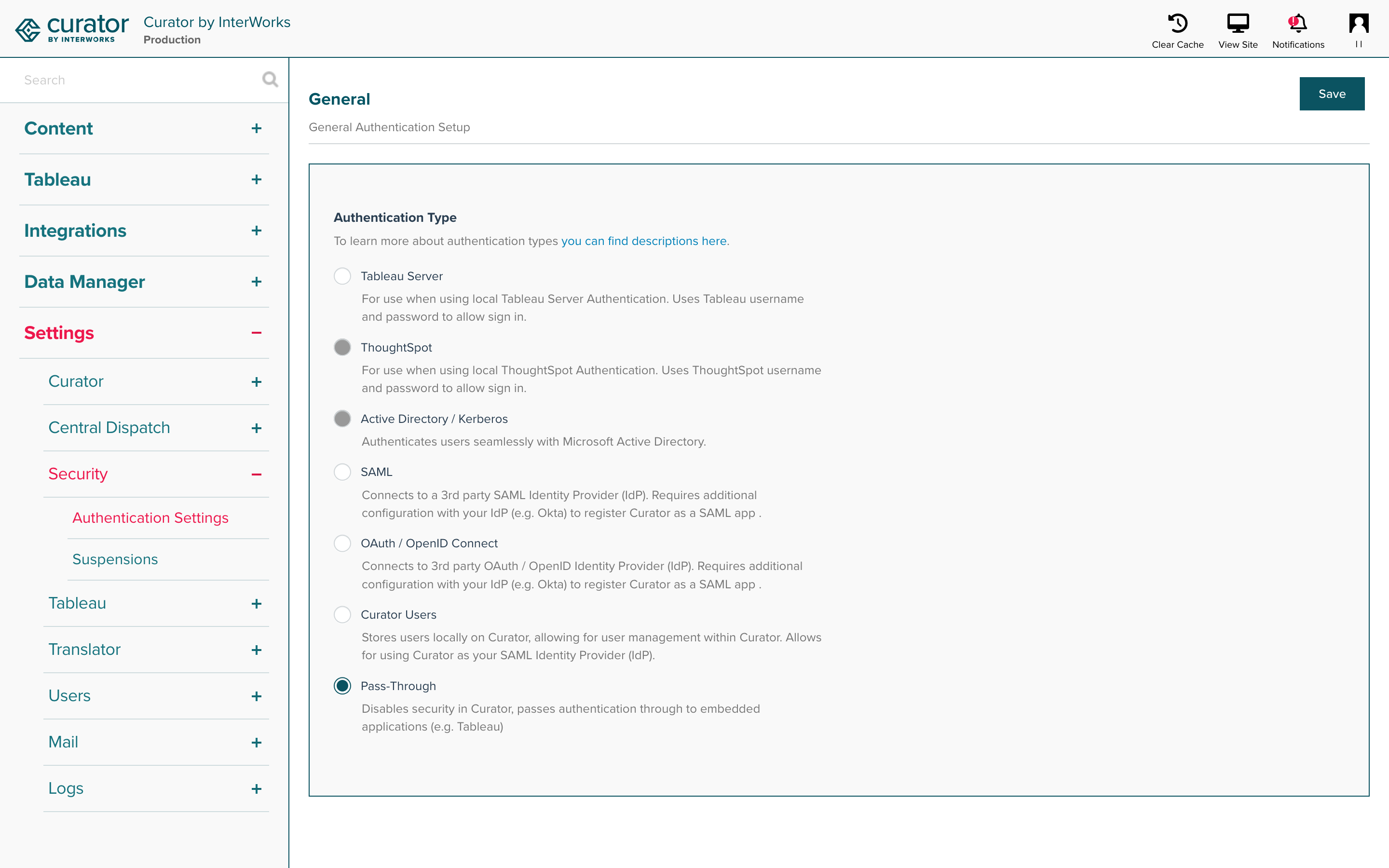
Select the **Pass-Through (Security Disabled)** option and be sure to save your changes.